
Billing
Billing shows the subscription for the family you’re in, and lets the person who pays manage it. Open it from the profile menu (tap your avatar, then Billing), or from Billing & Subscription in Profile and settings.
Who pays
Section titled “Who pays”Each family’s subscription belongs to one person, the billing owner. Everyone else in the family uses Quiddo without paying. One subscription covers every family its owner has created.
Only the billing owner can subscribe, change plans or cancel. Everyone else sees the family’s status with “Only the billing owner can make changes to the subscription.”
Every new account gets one 14-day free trial.
Plans and prices
Section titled “Plans and prices”| Plan | Price |
|---|---|
| Monthly | $1.99/mo |
| Annual | $15/yr (Save 37%) |
Prices are in Australian dollars. Your current plan has a Current plan badge.
Subscription status
Section titled “Subscription status”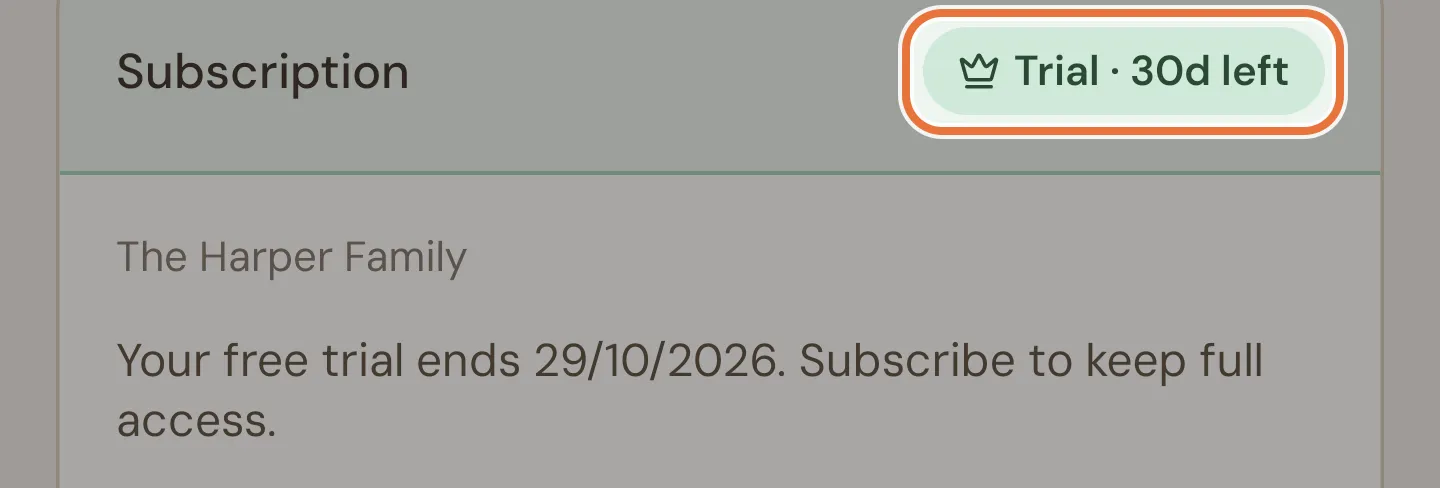
The Subscription card shows the family’s name and a status pill:
| Pill | Meaning |
|---|---|
| Trial · 30d left | On the free trial, with days to go. Underneath: “Your free trial ends …” and the date. |
| Monthly, Annual or Active | Subscribed. Underneath: Renews and the date, or Cancels and the date if it’s been cancelled. |
| Payment failed | The last payment didn’t go through. See Payment problems. |
| Trial ended | The trial is over with no subscription. |
| Cancelled | The subscription has ended. |
| Inactive | No trial or subscription. |
When there’s no active subscription, a What’s included list shows what you get.
Subscribing
Section titled “Subscribing”Tap Subscribe to open the subscription screen. Payment goes through your phone’s app store (App Store on iPhone, Google Play on Android), and Quiddo shows “Subscription active.” once it’s done.
Already subscribed on another phone? Restore Purchases picks up a subscription from your app store account.
Changing or cancelling
Section titled “Changing or cancelling”Tap Manage Subscription:
- Subscribed through the app store: it opens your subscription management, where you can change or cancel it.
- Subscribed through the Quiddo website: it opens the online billing portal in your browser. You can also switch plans right on the plan cards: tap Switch to Annual (or Switch to Monthly) and confirm Switch plan. The difference is prorated.
Subscriptions renew automatically unless cancelled at least 24 hours before the end of the current period.
Payment problems
Section titled “Payment problems”If a payment fails, the pill says Payment failed and the card explains what to do. The billing owner gets an Update Payment Method button:
- For app store subscriptions, it opens the store’s subscription page, since only Apple or Google can change your card.
- For website subscriptions, it opens the billing portal.
When the trial or subscription ends
Section titled “When the trial or subscription ends”The family goes read-only. Nothing is deleted: everyone can still see balances, history, jobs and goals (“Your data is safe.”). What stops is changes.
- A bar across the top of the app says “Your trial has expired. Subscribe to continue making changes.” Tap it to come to Billing.
- Trying to change something brings up Subscription required, with Continue read-only or Go to Billing.
Subscribing again unlocks it.
Billing ownership
Section titled “Billing ownership”The billing owner can hand the subscription over to another parent in the family, from the Billing ownership card.
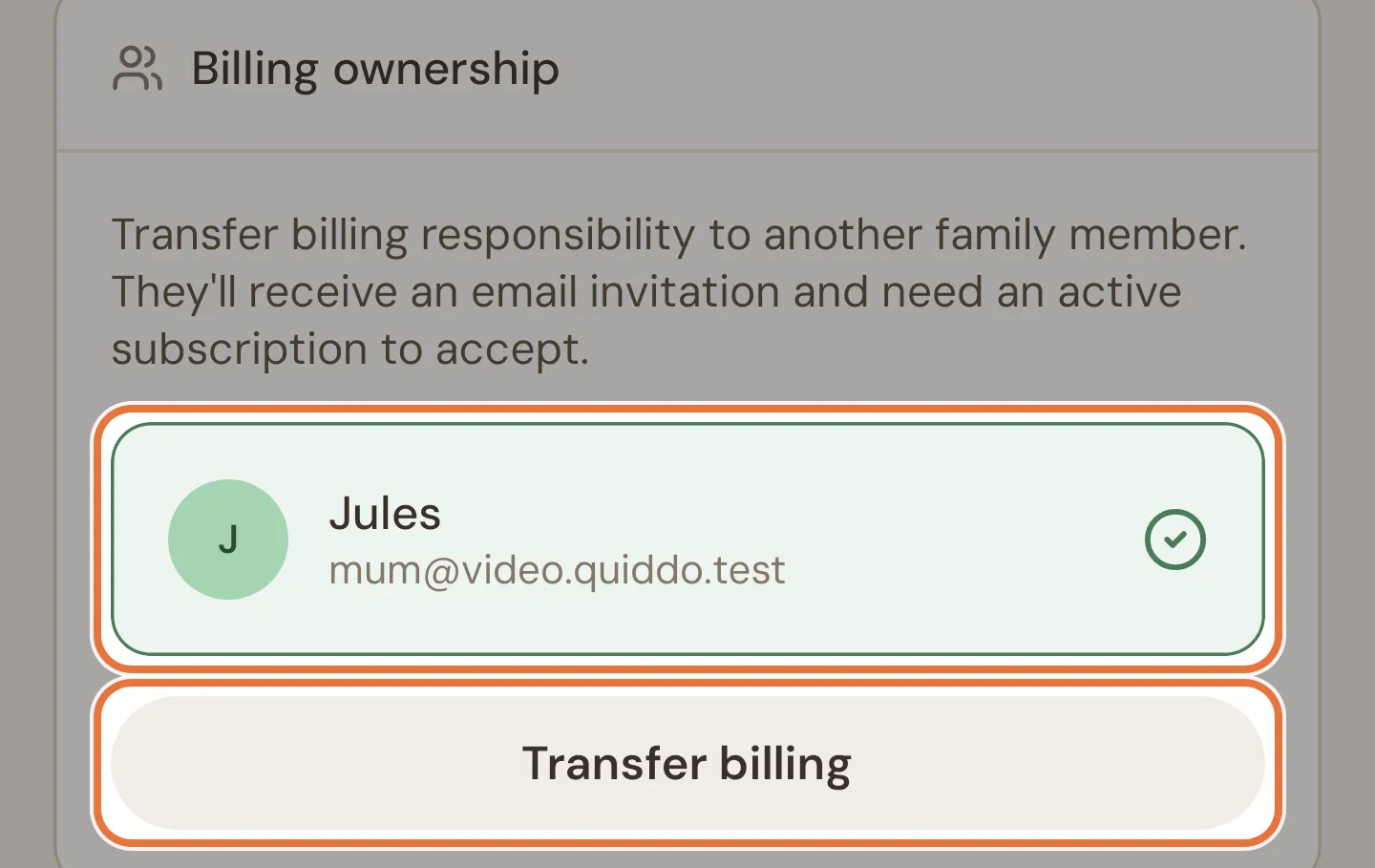
- Tap the parent to hand over to.
- Tap Transfer billing.
- Check the message and tap Send invitation (or Back).
The other parent gets an email invitation. Until they accept, the card shows Pending invitation with their email, when it expires, and a Cancel button. Invitations last 7 days, and there can only be one at a time.
If you’re the only parent in the family, the card says “You are the only parent in this family. Invite a co-parent first before transferring billing.”
You need a verified email address to send a transfer. See Verifying your email.
Accepting a billing transfer
Section titled “Accepting a billing transfer”The person taking over needs their own active subscription or trial. They accept by opening the link in the invitation email. Without a subscription, they’re asked to start one first.
In the app, their Billing screen shows “You’ve been invited to take over billing for …”, followed by the plan cards. Subscribing there accepts the transfer, and Quiddo confirms “You are now the billing owner.”